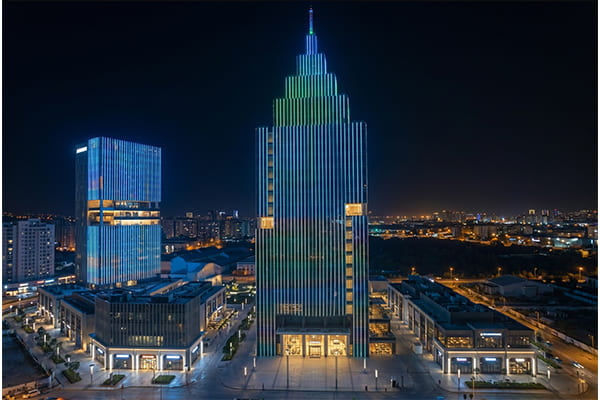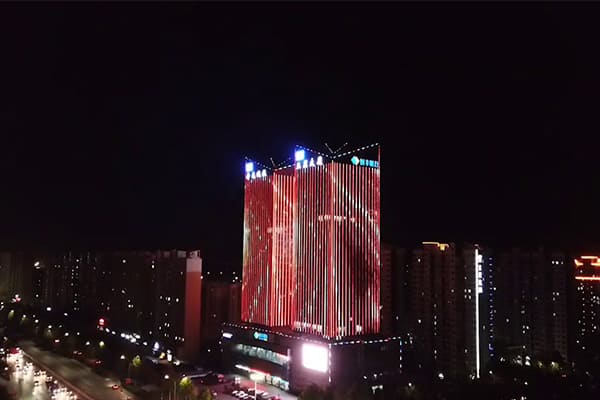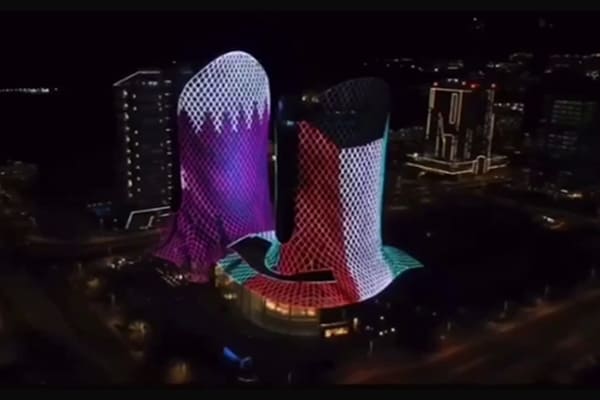
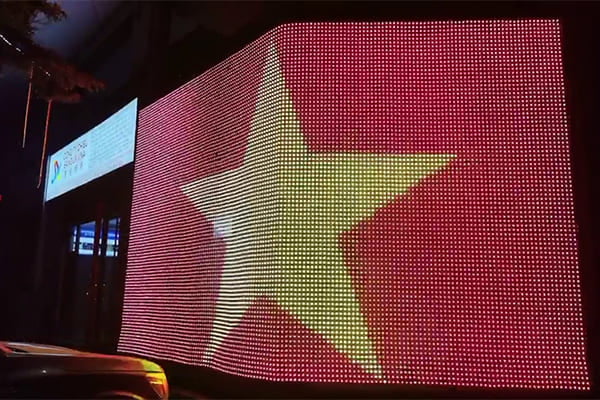
Static building lighting can look dated. You want dynamic, eye-catching displays, but the control systems seem complex. DMX5121 offers a simple, powerful solution for complete creative control.
DMX5121 is the core protocol for media facades2. It gives you precise, individual control over each light pixel. This allows you to manage brightness, create millions of colors, and play smooth animations, turning any building into a dynamic digital canvas.
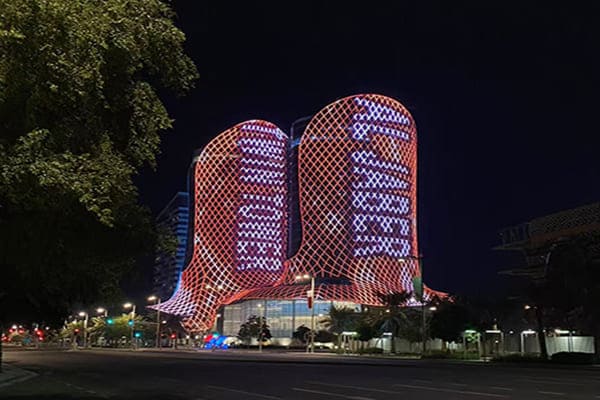
This level of control might sound complicated, but it's built on a few key principles. Understanding these basics is the first step to creating incredible visual experiences3 for your projects. Let's break down how it all works, starting with the most fundamental element: brightness.
How Do You Manage Brightness With DMX?
Your facade lighting is either too dim or blindingly bright. Poor brightness control4 ruins the visual effect and wastes energy. DMX provides smooth, flicker-free dimming5 to solve this problem.
DMX uses a 0-255 value for each channel to control brightness. Combined with PWM technology, this ensures smooth dimming without any flickering. This allows you to set the perfect light level for any time of day, from subtle nighttime glows to bright daytime displays.
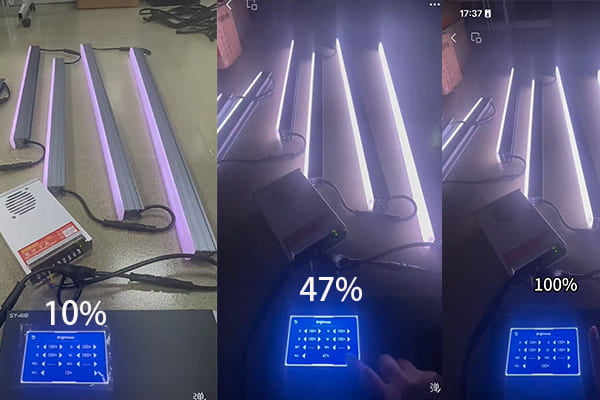
In my experience, getting the brightness right is about more than just setting a maximum level. It's about adapting to the environment. We use DMX to achieve this with precision. Each step from 0 to 255 represents a different intensity level. This digital signal tells the light fixture exactly how bright it should be. The real magic for smoothness comes from Pulse Width Modulation (PWM), which makes the dimming feel completely natural to the human eye, with no visible steps or flashing.
Setting the Right Brightness Levels
The ideal brightness, measured in nits, depends entirely on the time of day. For a media facade that needs to be visible during the day, you need a lot of power. But at night, that same level would be overwhelming.
| Application | Recommended Brightness (nits) | Notes |
|---|---|---|
| Nighttime Viewing | 600–1000 nits | Bright enough to be seen, but not cause glare. |
| Daytime Visibility | 5000+ nits | Necessary to compete with direct sunlight. |
Low-Light Performance and Power
We also focus on high-grayscale performance6, using 12-bit or 16-bit processing. This creates thousands of extra steps for dimming, so gradients look perfect even at very low light levels. Finally, I always advise clients to build in a 20-30% power headroom. This ensures the system can handle peak loads without strain, extending the life of the fixtures.
What's the Best Way to Control Color on a Media Facade?
Your facade colors look inconsistent or washed out. This can make a high-value project look unprofessional and cheap. Using the right fixtures and proper calibration is the key to perfect color.
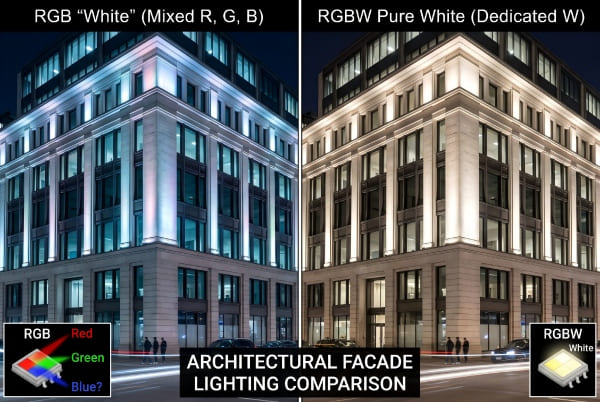
The best approach uses RGB or RGBW fixtures7. RGBW is often better because the extra white channel creates purer whites and brighter pastel colors. For large projects, we always calibrate each pixel to ensure perfect color consistency across the entire facade.
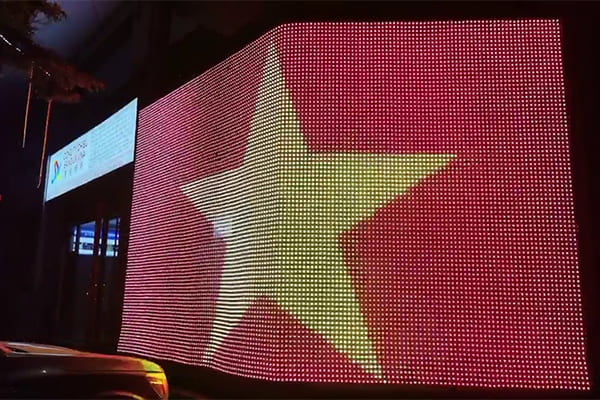
I've seen many projects suffer from inconsistent color. One part of a building might look slightly pink while another looks pure white. This happens without proper control and calibration. Most modern projects use either RGB (Red, Green, Blue) or RGBW (Red, Green, Blue, White) fixtures. By mixing these base colors at different intensities using DMX channels, you can create millions of different shades.
Why RGBW is Often a Better Choice
While RGB is a great standard, I often recommend RGBW fixtures7. The dedicated white channel gives us two major advantages. First, it produces a much cleaner, purer white light than what you can get by mixing red, green, and blue. Second, it allows us to create beautiful pastel and light-color shades with higher brightness and accuracy.
| Feature | RGB | RGBW |
|---|---|---|
| White Light | Created by mixing R, G, and B. | Produced by a dedicated white LED chip. |
| Color Purity | Good | Excellent, especially for pure white. |
| Brightness | Standard | Higher, especially for white & pastels. |
| Best Use Case | Saturated, vibrant colors. | Projects requiring pure white and pastels. |
Ensuring Consistency and Quality
For any large-scale facade, we perform a pixel-by-pixel calibration8 to make sure every single light produces the exact same color. We also specify fixtures with a high refresh rate, typically 3840Hz or higher. This is critical because a low refresh rate will cause ugly flickering lines when someone tries to record a video or take a photo of the building, which completely ruins the effect.
How Do You Create Complex Animations With DMX?
You want to play videos or create dynamic effects on your building, but don't know how. Basic color changes are boring and don't capture attention. DMX, combined with modern software, makes complex animation easy.
You use software like Madrix or RGBPLAYER to map video content directly onto your building's lights. DMX systems can be expanded with Art-Net9 or sACN to control thousands of pixels at once, ensuring smooth, synchronized animations across even the largest facades.
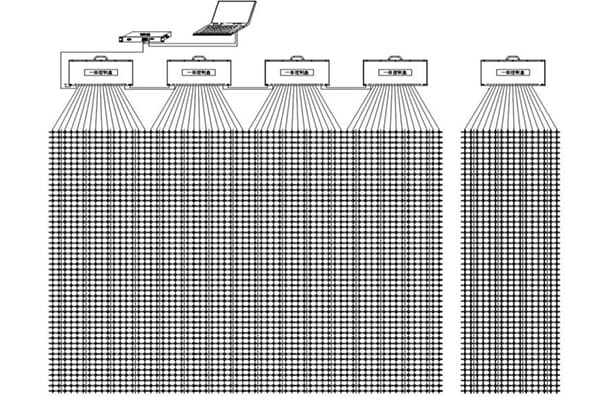
The real power of DMX is unlocked when you treat each light as a single pixel in a giant screen. A standard DMX "universe" can control up to 512 channels. For a simple RGB light, that means you can control 170 lights per universe. But modern facades have thousands of pixels. To handle this, we use network protocols like Art-Net9 or sACN, which allow us to send many DMX universes over a standard computer network. This lets us scale up to control tens of thousands of pixels in perfect sync.
From Video File to Building Facade
The process is called pixel mapping10. We use powerful software to create a virtual map of all the lights on the building. Then, we can simply drag and drop a video, image, or pre-made effect onto this map. The software translates the video into DMX data for each individual pixel. To ensure the animation looks fluid and not choppy, we always aim for a frame rate of at least 30 frames per second (fps).
Choosing the Right Fixture for the Job
A common question I get from clients is about balancing cost and visual effect. For large outdoor media screens, our P50 and P100 pixel pitch media mesh are the most popular choices. They offer great visibility from a distance. However, if a client is looking for a more cost-effective solution that still delivers great results, I sometimes recommend using fixtures with an SPI protocol. It can be a very good alternative depending on the project's specific needs.
What Does a Typical DMX System Architecture Look Like?
Your DMX signal is weak or dropping out on a large project. This causes flickering lights, incorrect colors, and "glitches" in your animation. A well-designed system architecture prevents these issues from happening.
A stable DMX system includes a master controller, sub-controllers, and the lights. Signal amplifiers are crucial. We add an amplifier every 80 meters to boost the signal and prevent data errors, ensuring your animation runs perfectly without any glitches.
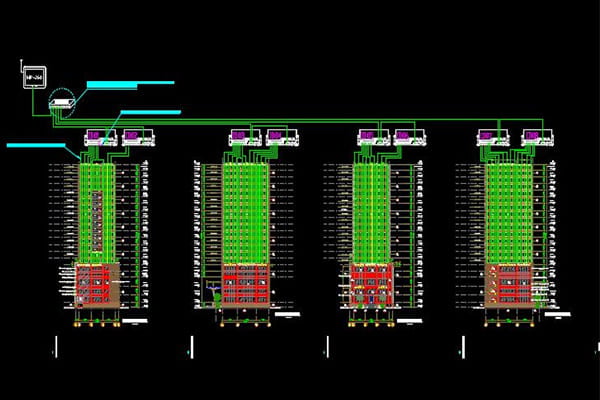
A successful DMX installation depends on a solid and logical system design. The brain of the operation is the master controller, which is where the animation software runs. This master controller sends the lighting data out over a network to various sub-controllers located closer to the fixtures. These sub-controllers then convert the network data into the DMX signal that the lights can understand.
Overcoming Signal Limitations
The biggest challenge in large-scale projects is signal degradation. A standard DMX signal can only travel about 100 meters before it becomes unreliable. In practice, to be safe, we never push it that far. Voltage drop and signal decay can cause data corruption, which looks like random flashing or "garbage" data on the lights. To prevent this, our standard rule is to install a DMX signal amplifier every 80 meters. This cleans and boosts the signal, ensuring it arrives at the next set of lights perfectly intact.
The Complete System Chain
Here is a breakdown of the typical components and their roles in the signal flow.
| Component | Role |
|---|---|
| Master Controller | Runs the software and generates the lighting show. |
| Network Switch | Distributes data from the master to sub-controllers. |
| Sub-Controller | Converts network data (Art-Net9/sACN) to DMX signals. |
| Signal Amplifier | Boosts and cleans the DMX signal every 80 meters. |
| LED Drivers/Fixtures11 | Receive the DMX signal and produce the light. |
When this structure is planned correctly, the DMX system is incredibly stable, scalable, and provides the fine-tuned control needed for amazing digital displays.
Conclusion
DMX gives you precise control over every aspect of light. It is the key technology for turning any building into a dynamic, unforgettable media display that captures everyone's attention.
Explore how DMX512 revolutionizes lighting control with precise, individual pixel management. ↩
Learn about the innovative use of media facades in modern architecture and their visual impact. ↩
Discover how innovative lighting design enhances the overall visual experience of spaces. ↩
Discover the importance of brightness control in creating stunning visual effects for buildings. ↩
Understand the benefits of flicker-free dimming for creating smooth lighting transitions. ↩
Find out how high-grayscale performance improves dimming and color gradients in lighting. ↩
Explore the advantages of RGBW fixtures for achieving vibrant and pure colors in lighting. ↩
Learn how pixel-by-pixel calibration ensures color consistency across large lighting installations. ↩
Discover how Art-Net enhances DMX systems for controlling large numbers of pixels. ↩
Explore how pixel mapping transforms video content into dynamic lighting displays. ↩
Discover the importance of LED drivers in receiving and executing DMX signals. ↩